If you have spent time exploring digital sculpting, you have probably heard of ZBrush. It is the industry standard for high-detail digital sculpting and is widely used across game development, film, and 3D art.
But many beginners wonder: can you animate in ZBrush? The short answer is yes, but only to a point. ZBrush is excellent for sculpting characters, creatures, and objects with incredible detail, but when it comes to animation, it plays a more supportive role. Let us dive into what ZBrush can and cannot do, and how it fits into the broader game development pipeline.
What Exactly Is ZBrush Used For?
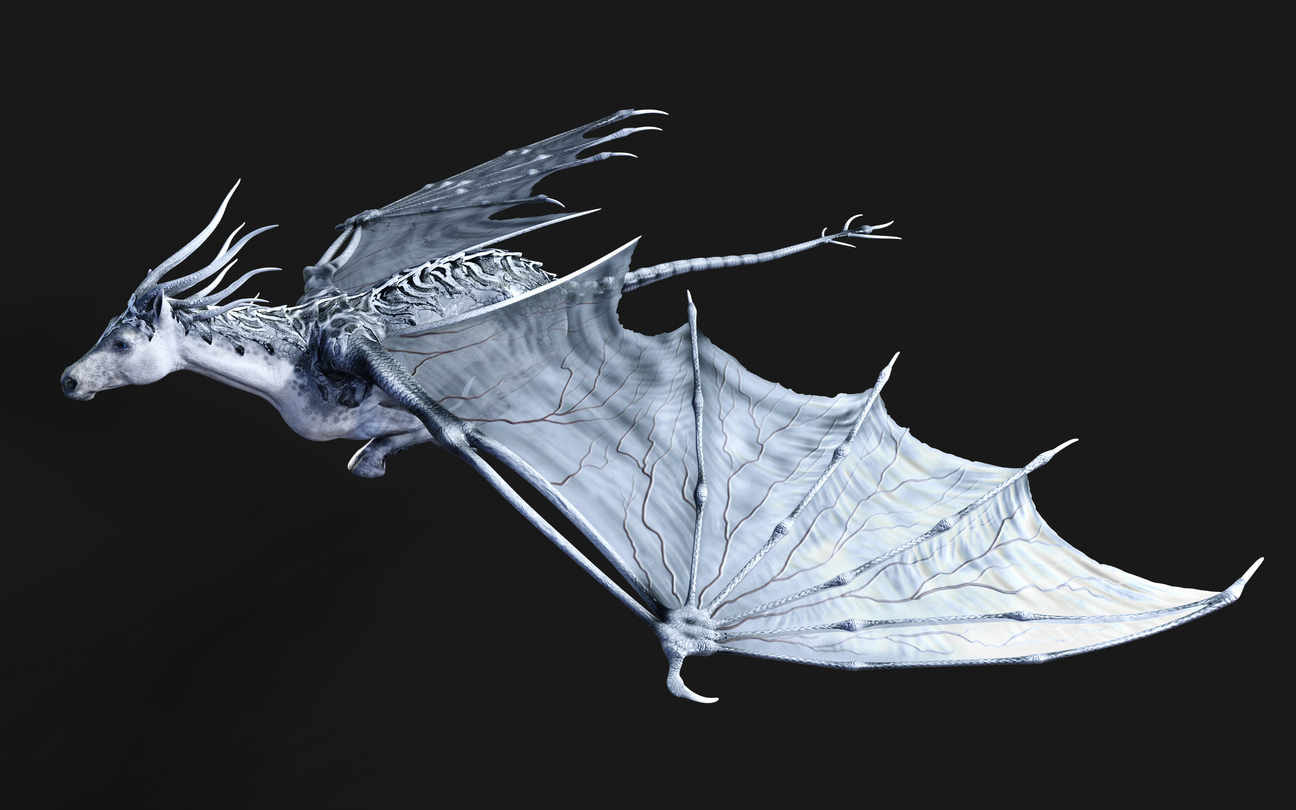
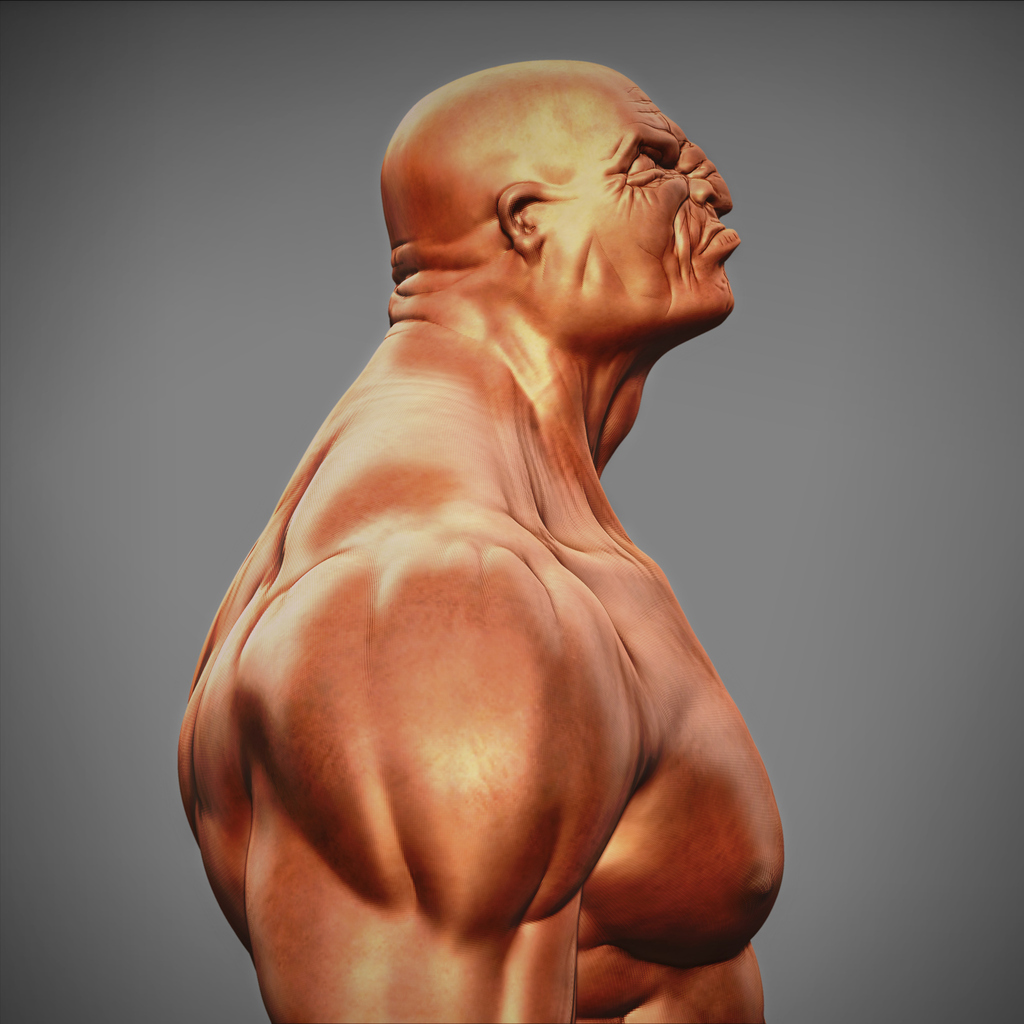
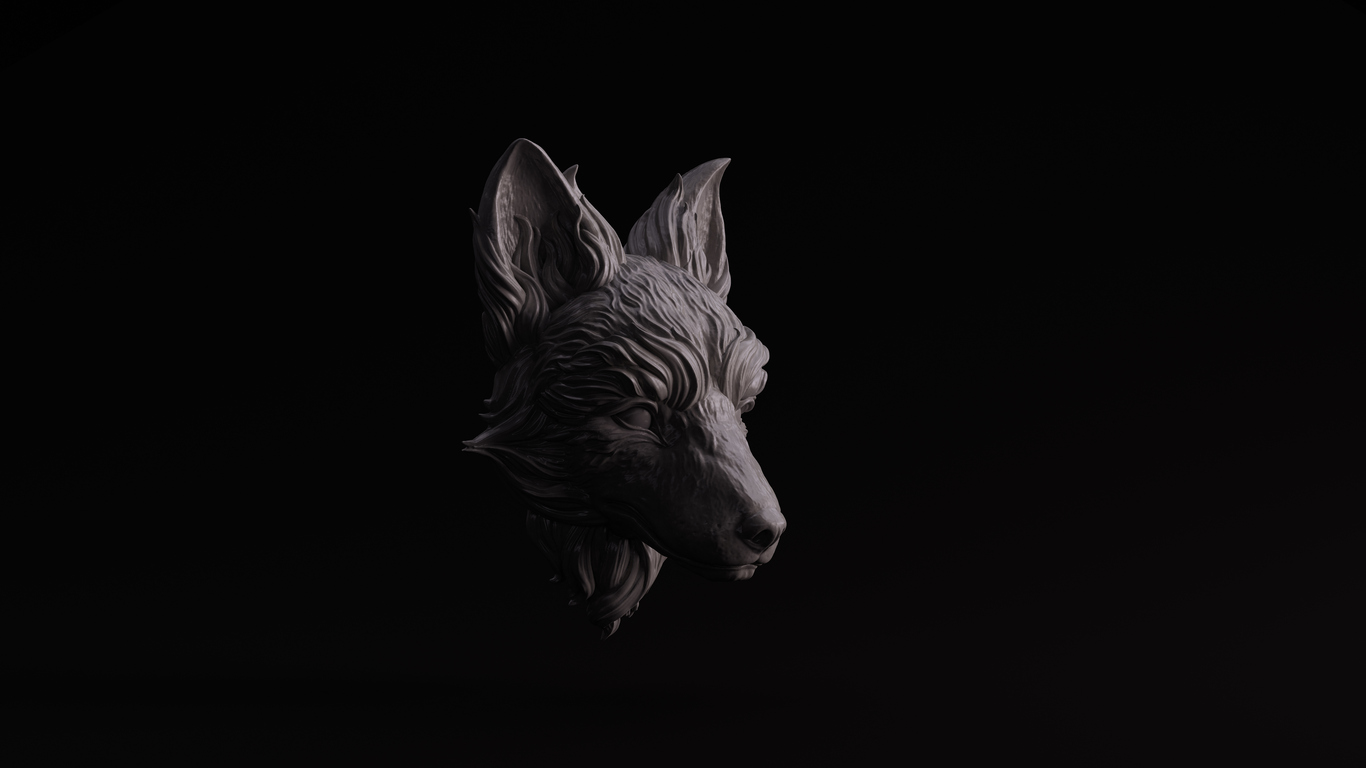
ZBrush is for Sculpting, not full animation. ZBrush excels in creating stunning, high-resolution 3D models. It lets artists sculpt models with millions of polygons, adding the kind of detail that makes characters pop in games and films. However, ZBrush was never designed to be a full animation package. That role belongs to software like Maya, which includes tools for rigging, keyframing, skeletal animation, and more.
While ZBrush does have some basic animation tools, they are limited in scope. Its Timeline feature allows users to animate simple changes like camera movement or model visibility. It also includes a turntable feature to rotate your model in place, which is perfect for showcasing your sculpt. Additionally, you can use Transpose Master and ZSphere rigging to pose a model for still renders or basic morphs between layers. These features are useful for presentation and visualization, but they are not sufficient for creating full character animations like walking, running, or talking.
Another helpful tool is the ability to store different model states as layers, then morph between those layers using the timeline. This can simulate expressions or subtle motion changes, which can be quite effective for creating concept reels or demonstrating character range. But again, it is not full-fledged animation. There is no bone hierarchy or weight painting, and you cannot animate multiple interacting elements in a scene.
Why ZBrush is Not Used for Full Animation?
There are several reasons why ZBrush is not the tool of choice for animating game characters. First, ZBrush lacks a traditional rigging system. You cannot build a skeleton, apply skin weights, or use inverse kinematics. These are essential for animating characters, especially in a game engine. Second, ZBrush models are often extremely high-poly. Game-ready models must be optimized for performance, and animating a multi-million polygon mesh is not practical. Artists typically retopologize their ZBrush sculpts into lower-poly versions, then bake high-res details into texture maps. This optimized model is what gets animated, not the original sculpt.
Another reason is that ZBrush does not offer the kind of animation timeline and tools needed for production work. Programs like Maya or Blender provide robust timelines, curve editors, and real-time playback features. They are built to handle complex animations, interactions, and physics. ZBrush focuses on shaping and detailing forms, not motion. It is best thought of as one piece in the larger animation puzzle.
Trying to animate a ZBrush sculpt directly, without proper optimization and rigging, would result in performance issues and limited flexibility. That is why the standard industry approach is to use ZBrush for what it does best: sculpting and detailing. Once your model looks amazing, you export it to a tool that is designed for animation and real-time performance.
The Game Development Pipeline: Where ZBrush Fits
In a professional workflow, ZBrush plays a critical role in the early stages of character creation. Here is how a typical pipeline works, especially in game development:
Sculpting:
The artist begins by sculpting a high-detail character in ZBrush. This is where creativity flows, and the model is shaped without worrying about animation constraints. ZBrush provides the flexibility to explore ideas and refine them to a professional level.
Retopology:
Once the sculpt is complete, it is retopologized into a lower-poly version suitable for animation. This can be done in ZBrush or another tool like Maya. Retopology is essential for efficient rigging and animation because it ensures clean edge flow and manageable polycount.
Baking and Texturing:
High-resolution details are baked into normal maps and other texture maps. These are applied to the low-poly mesh to retain the appearance of detail without the performance cost. Tools like Substance Painter may also be used for advanced texturing.
Rigging and Animation:
The optimized model is imported into Maya, where it is rigged with bones and joints. Animators create keyframes and cycles for movement. Maya excels at building flexible rigs and animating characters for various scenarios including cutscenes and gameplay.
Game Engine Integration:
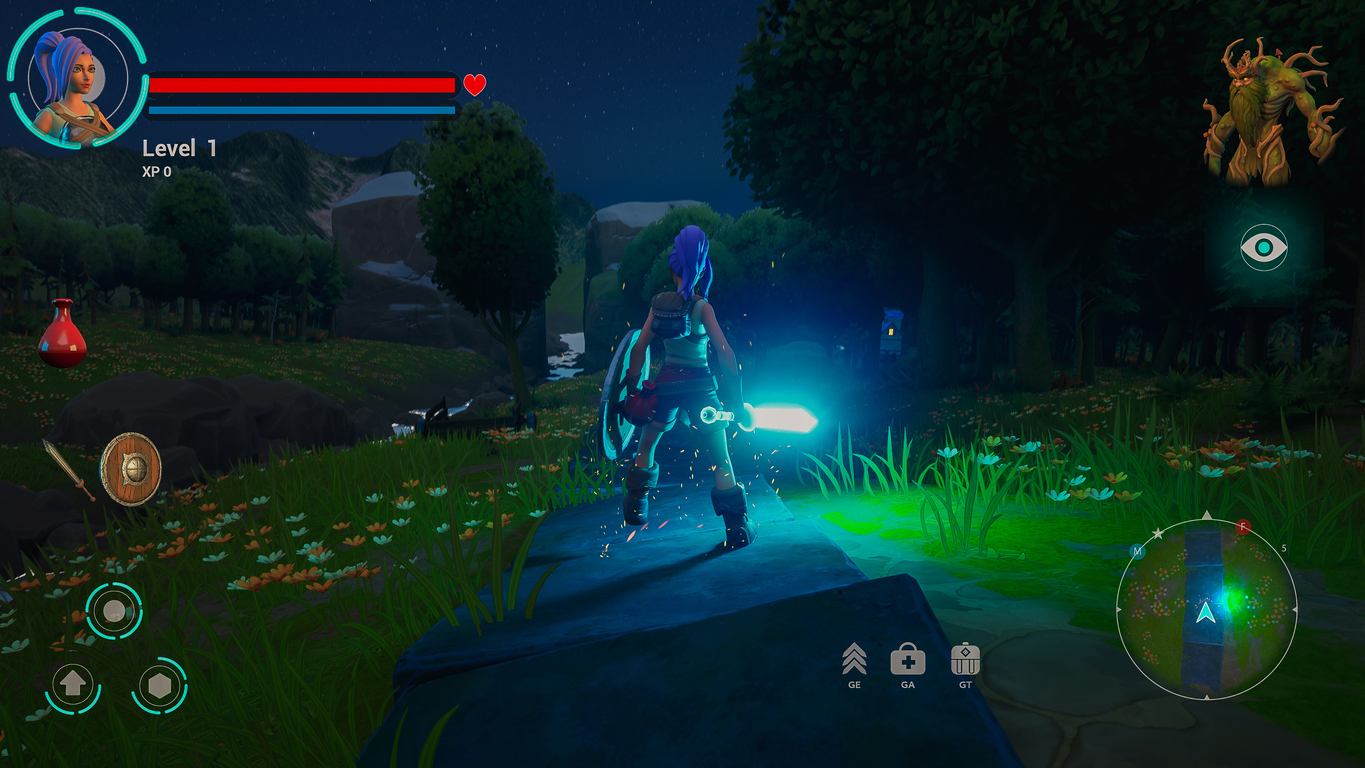
The rigged and animated model is then brought into a game engine like Unity or Unreal Engine. Here, it becomes part of the interactive world. Game engines allow you to script character behaviours and synchronize animations with player inputs or events.
This pipeline is standard in the industry and is taught in programs like the Game Development and Design Diploma Program at VCAD. Students learn to sculpt in ZBrush, then rig and animate their characters in Maya, and finally implement them in real-time environments using Unity or Unreal.
Learning the Full Pipeline at VCAD
The ability to animate in ZBrush is limited, but that does not diminish its importance. In fact, understanding ZBrush as a sculpting tool and how it connects to other software is essential for aspiring game artists. At VCAD, the Game Development and Design Diploma Program is built around this reality. Students do not just learn one tool. They learn the entire pipeline.
You start with concept development and sculpting in ZBrush, where you bring your characters to life with detailed modelling. Then you move into Maya for rigging and animation, learning how to make your characters move convincingly. Finally, you learn how to bring everything together in Unity or Unreal, adding interactivity and polish. Along the way, students also gain experience in asset optimization, lighting, rendering, and game logic.
This hands-on, project-based learning ensures that students graduate with a portfolio that reflects real-world workflows. You learn how to navigate each tool confidently and understand how they connect. This is exactly what studios are looking for in new hires. They want artists who understand the full production process. Additionally, Hollywood expert, Gil Nam Choi, joined VCAD as the new head of media programs. It’s a brand-new vibe for our students, also, a great opportunity to learn industry insights directly from him.
Final Thoughts: A Creative Career Starts Here
So, can you animate in ZBrush? Technically, yes. You can create basic poses and presentations. But if your goal is to bring characters to life in a game or animation, ZBrush is just the beginning. It is your foundation for creating visually stunning characters. From there, you will move into tools like Maya and Unity to animate and integrate your work.
The good news is that you do not have to figure it all out alone. With a structured program like the Game Development and Design Diploma Program at VCAD, you get the guidance, tools, and practice you need to master the full pipeline. Whether you want to design characters, animate game assets, or build entire levels, you will gain the skills to turn your creative ideas into playable worlds.
Start by learning to sculpt. From there, the possibilities are endless.